
Case study
LX Medical
Healthcare software for LX Medical: scheduling, billing, apps and AI
Overview
- Industry
- Healthcare
- Status
- Live
- Technology
- NestJS, PostgreSQL, Next.js, Supabase, React Native (Expo), Stripe, BigQuery, Claude and OpenAI
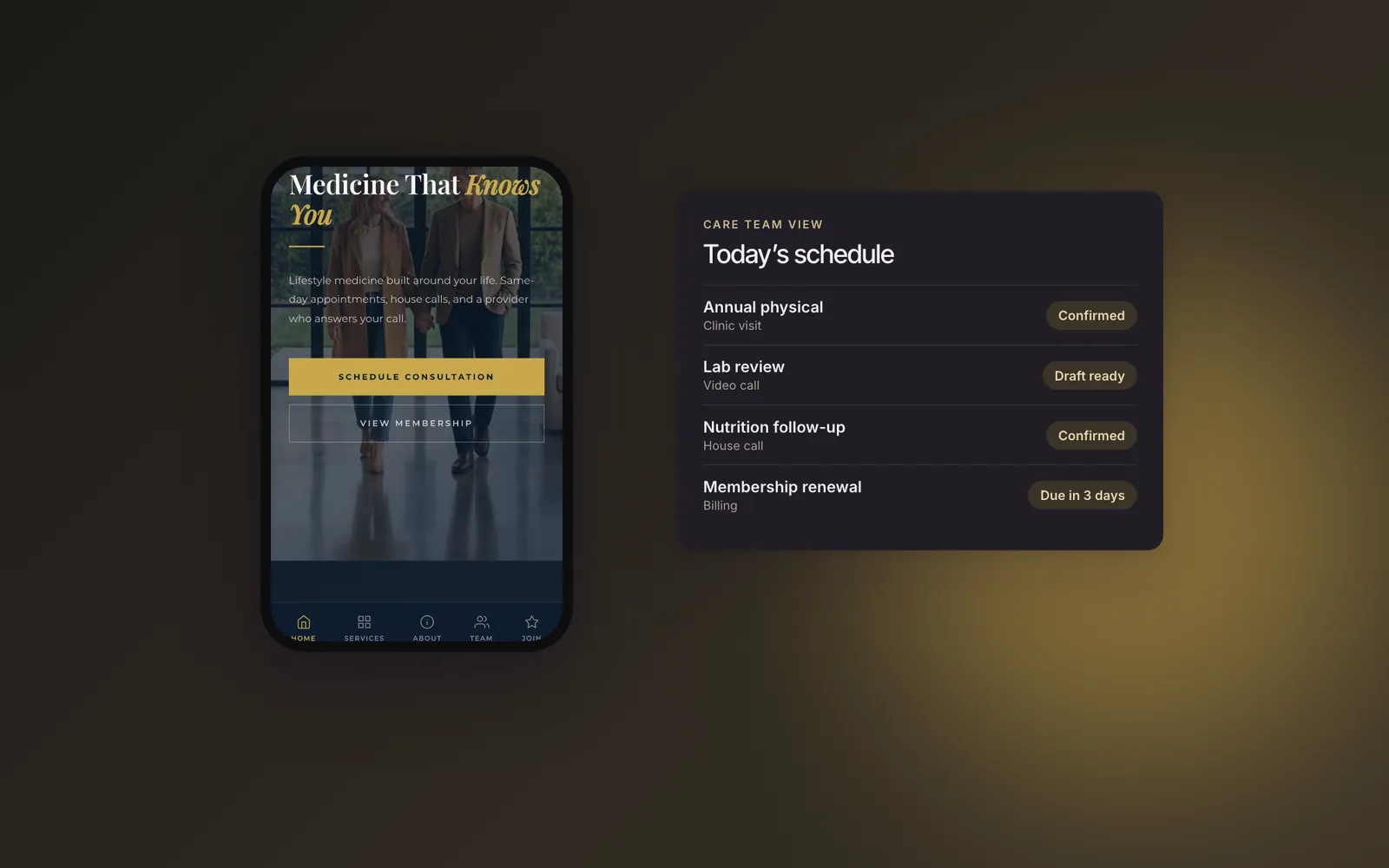
We build and maintain the software behind LX Medical, a US membership lifestyle-medicine practice. It covers scheduling, Stripe billing, analytics, a member app and an AI agent platform.
- Scheduling, invoicing and Stripe memberships in one system
- PostgreSQL to BigQuery to Looker Studio analytics pipeline
- 31 AI agents, with staff approval before members see anything
The brief
LX Medical is a membership lifestyle-medicine practice in Edina, Minnesota and Tampa, Florida. Members pay a subscription for ongoing care, with in-office, in-home and telemedicine visits. The practice needed healthcare software that handles all of it: booking the visit, billing it, running memberships and keeping members engaged between visits.
We build and maintain that software, from the core API to the newest AI layer.
What we built: healthcare software in four parts
Scheduling, invoicing and memberships
A NestJS and PostgreSQL API runs the practice. Patients, staff and the website book visits against provider availability, with Google Calendar invites. Each visit becomes a Stripe invoice with member discounts and sales tax. Staff can send a payment link, charge a card on file or use Stripe Terminal readers at the front desk.
Memberships run as Stripe subscriptions, billed monthly through annually, for individuals and families. Around them sit SMS, email and push notifications, secure messaging, signed digital consent and SOAP notes.
Analytics pipeline
A daily sync copies the operational tables from PostgreSQL into BigQuery. SQL views clean the data and merge appointments and invoices into one line-item table. That table feeds a Looker Studio report on revenue, patients and providers. A billing audit checks every line item against its stored total and flags anything that does not reconcile.
The Olivia platform
Olivia is the practice’s next platform: a Next.js and Supabase dashboard for admins, providers, members and sales, plus a React Native member app. Members see labs with optimal ranges and trends, message their care team, book visits, track goals and manage billing. Providers review labs and publish each member’s Performance 360 health assessment.
AI agents with a human in the loop
Olivia’s AI runtime runs 31 specialized agents, from lab interpretation and report drafting to scheduling and campaigns. It uses Anthropic’s Claude and OpenAI models. Anything a member will see goes through a staff approval queue first, and every AI call is logged.
Member-facing chat is education-only, with a safety filter and an “ask my provider” escalation. It stays switched off until a HIPAA business associate agreement is in place.
How we worked
Moving a live practice to a new platform is mostly a billing problem. Before migrating, we wrote a capability study and a field-by-field gap analysis of the old and new systems. Then we ranked 122 gaps by priority.
The rule we agreed with the practice: faithful for money, fix for scheduling. Billing, Stripe and subscription rules port exactly. Scheduling bugs get fixed on the way through. The revenue path is done only when it reconciles against Stripe to the cent, across all three revenue streams, in a test environment.
This is where custom software development and AI consulting meet. For more on the agent side, read AI agents for business.
Where it stands
Live. The core platform runs the practice’s scheduling, billing and memberships, and we maintain it. On Olivia, standalone invoices, Stripe subscriptions, point of sale, households and the messaging engine have shipped since the gap analysis. The member app has been submitted to the App Store.
Send a message
Planning something similar?
A short brief is enough. Someone who can answer technical questions replies within one business day. Prefer to talk? Call us.